

SQL Management Studio Access
Connect SQL Server Management Studio to your hosted Microsoft SQL Server database and manage it remotely using familiar Microsoft database tools.
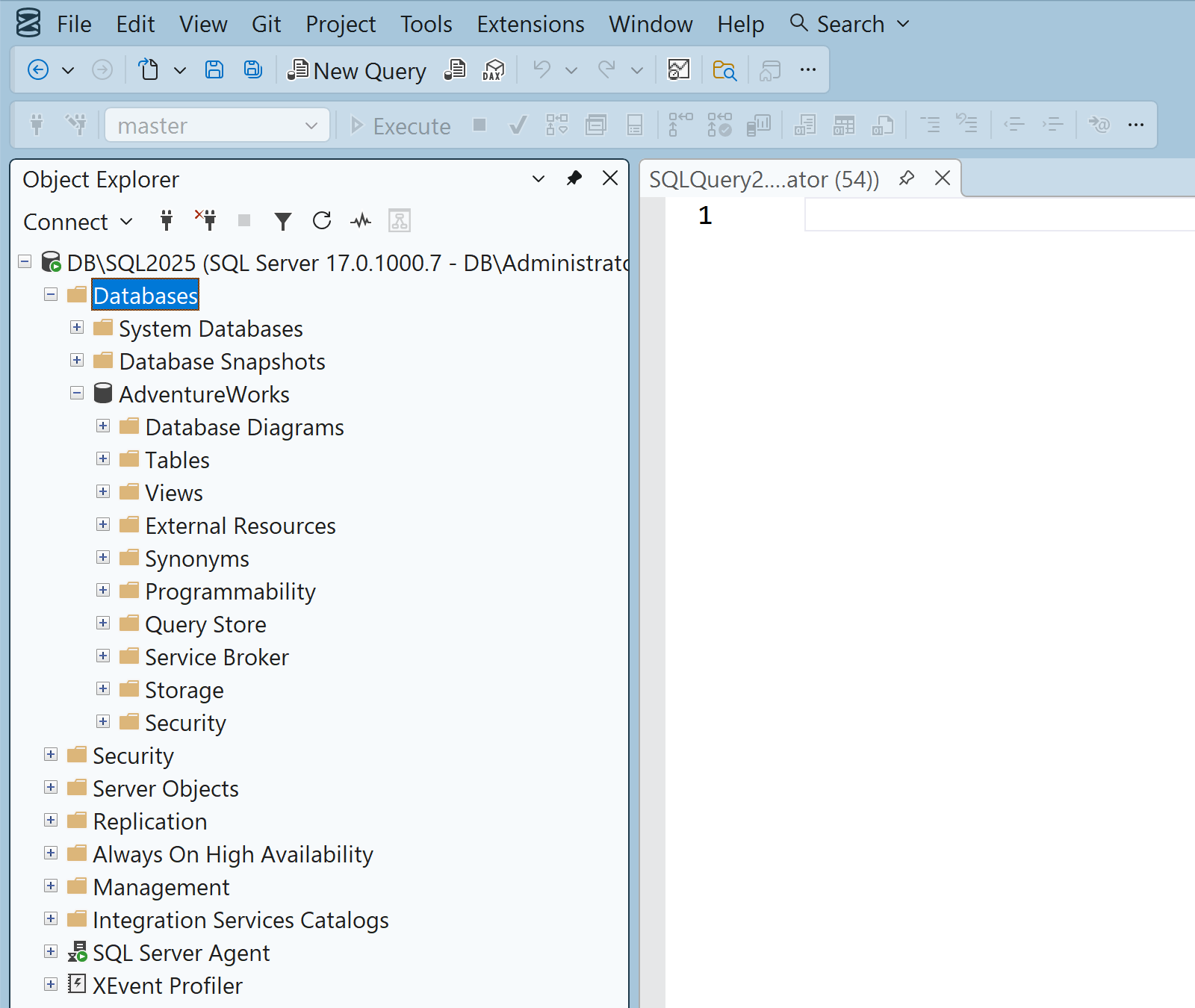
What is SQL Server Management Studio?
SQL Server Management Studio, also known as SSMS, is Microsoft’s integrated environment for connecting to SQL Server, running Transact-SQL queries, and managing database objects and data.
Use SQL Management Studio forRemote database connections, query development, tables, views, stored procedures, functions, security, backup and restore workflows.
Visit the official SQL Server Management Studio websiteRemote SQL Access
Connect to Your Hosted SQL Database
Use the SQL server address, database name, login, and password supplied with your hosting account to connect through SQL Server Management Studio.
Explore SQL Server hostingDATABASE WORKFLOW
Manage SQL Server with SQL Management Studio
SQL Run T-SQL Queries
Write, execute, and review Transact-SQL queries through the SQL Server Management Studio query editor.
DB Manage Database Objects
Work with tables, views, stored procedures, functions, constraints, and other supported SQL Server objects.
↕ Import and Export Data
Move supported database data between your development environment and your hosted SQL Server database.
BK Backup and Restore
Use the database backup and restore services available with your SmarterASP.NET SQL hosting environment.
Remote SQL access included
Use SQL Management Studio with SmarterASP.NET
Choose an ASP.NET hosting plan and manage your Microsoft SQL Server database using SQL Server Management Studio.
View Hosting Plans